In a cricket tournament player draft, every team receives an equal franchise budget (purse) to bid on players. If you are calculating this manually, you run a high risk of team owners overspending their budgets, causing tournament delays. An automated calculator keeps wallets, squad sizes, and max bids aligned.
How Automated Wallet Math Works
Every time a player's status is changed to SOLD, the buying team and price are recorded. The calculator performs three tasks instantly:
- Deducts the sold price from the team's remaining wallet.
- Increases the team's player slot count.
- Recalculates the team's Maximum Bid Limit.
Understanding the Maximum Bid Limit
The maximum bid limit is the highest bid a team can place on a single player while still retaining enough points to buy the remaining players needed to fill their roster. For example, if a team has ₹200,000 left and needs 3 more players, their max bid for the current player is:
₹200,000 - (2 remaining players * ₹10,000 minimum base price) = ₹180,000.
Read more about setting correct base prices and increments in our guide on setting base price and bid increment.
Where Can You Find an Automated Budget Calculator?
Organizers have two main ways to use budget calculators:
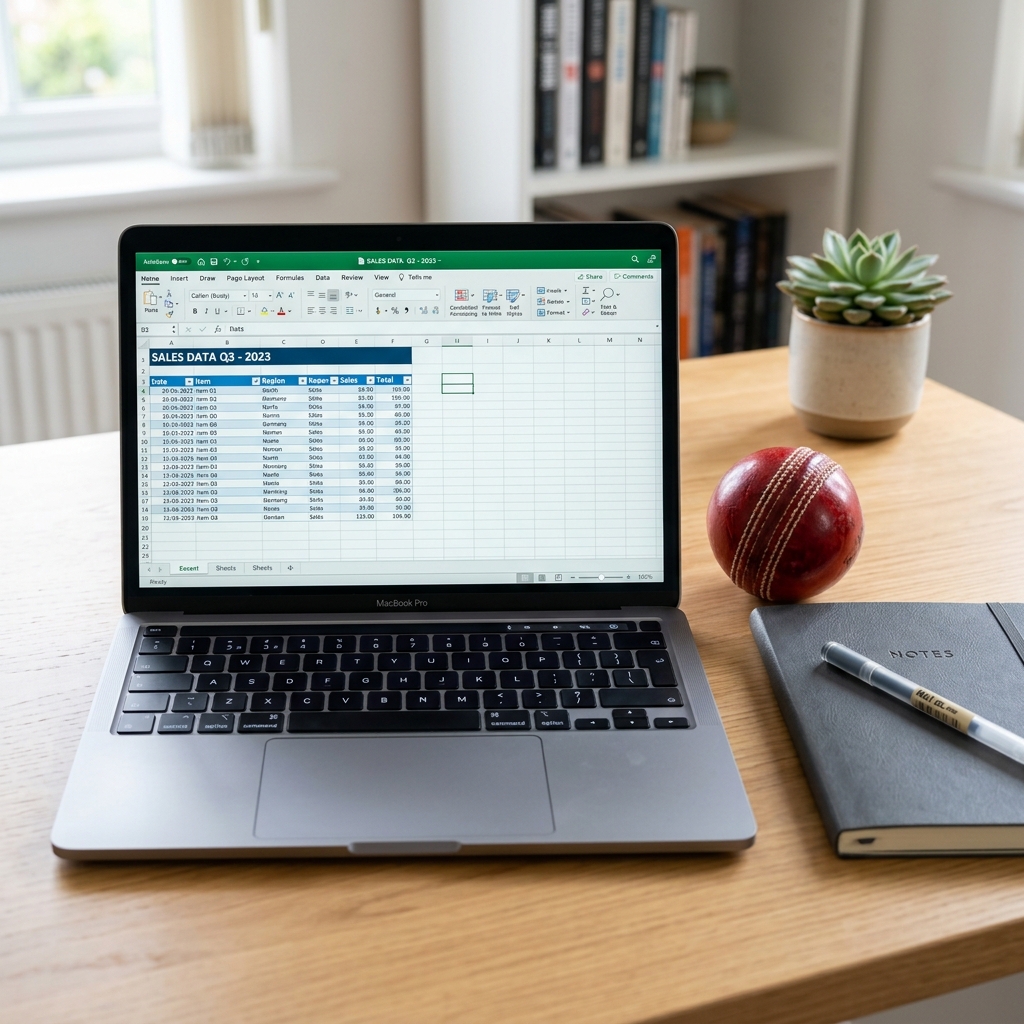
- Offline Spreadsheets: You can download our Free Cricket Auction Excel Template which includes built-in formulas for wallets and squads.
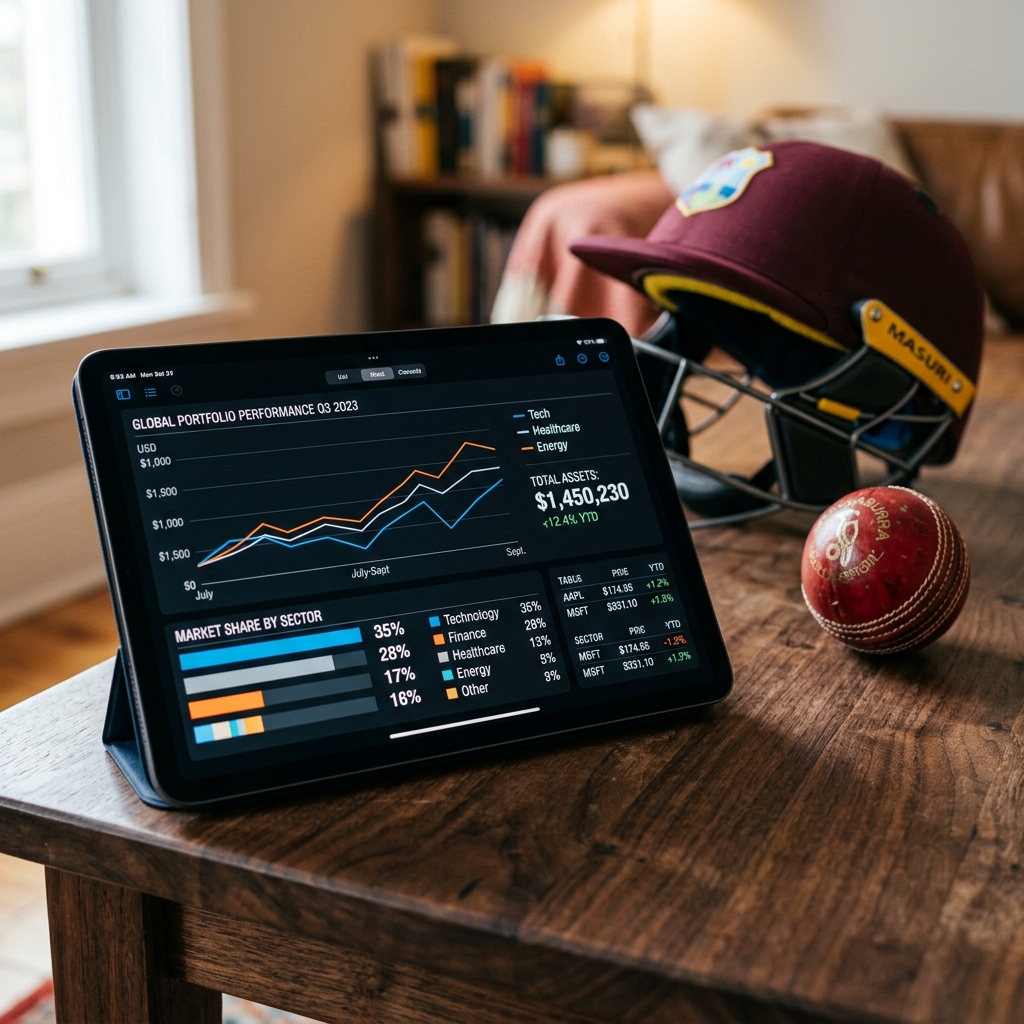
- Online Web Tools: Run your draft online with our Free Cricket Auction Tool, featuring real-time, automated wallet tracking and screen mirroring.
Ready to automate your tournament wallets?
Launch our free web tool or download our Excel template to handle the bidding math.
Launch Online ToolScale Your Tournaments With PlayBid
If you are running a larger league with custom rules, mobile bidding, and saved tournament history, check out PlayBid. PlayBid offers a comprehensive suite of tournament calculators and dashboard overlays.